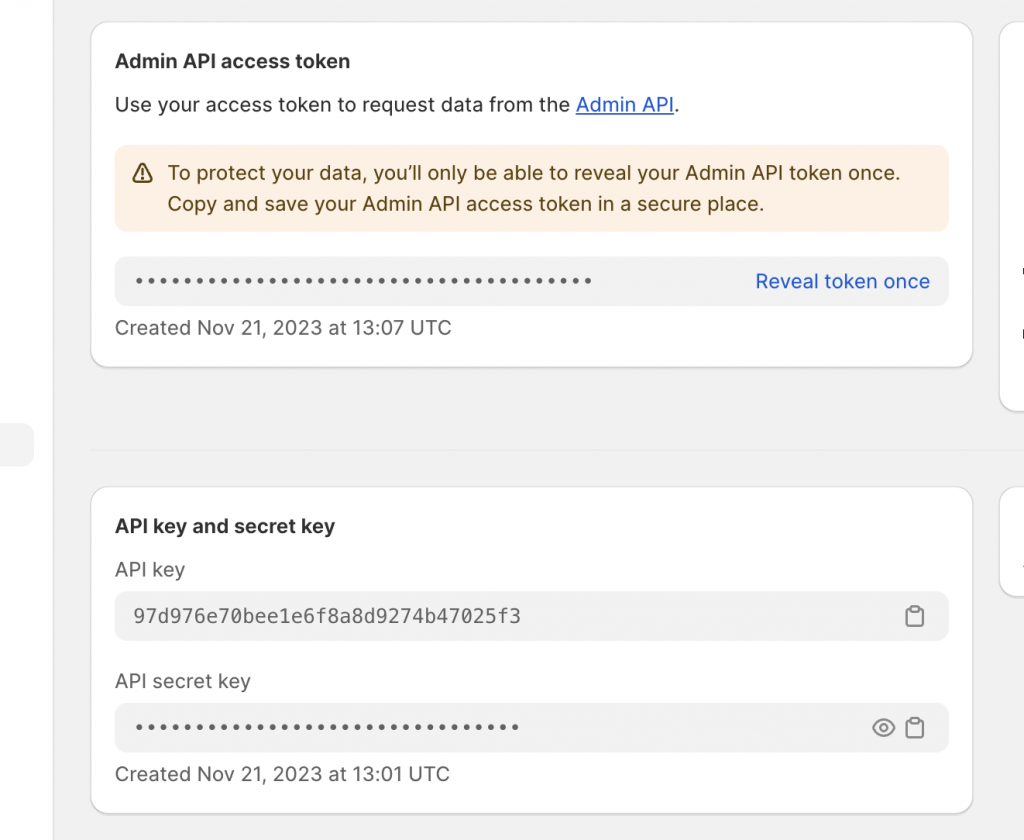

This article provides a guide to setup CoCo custom app for your Shopify.
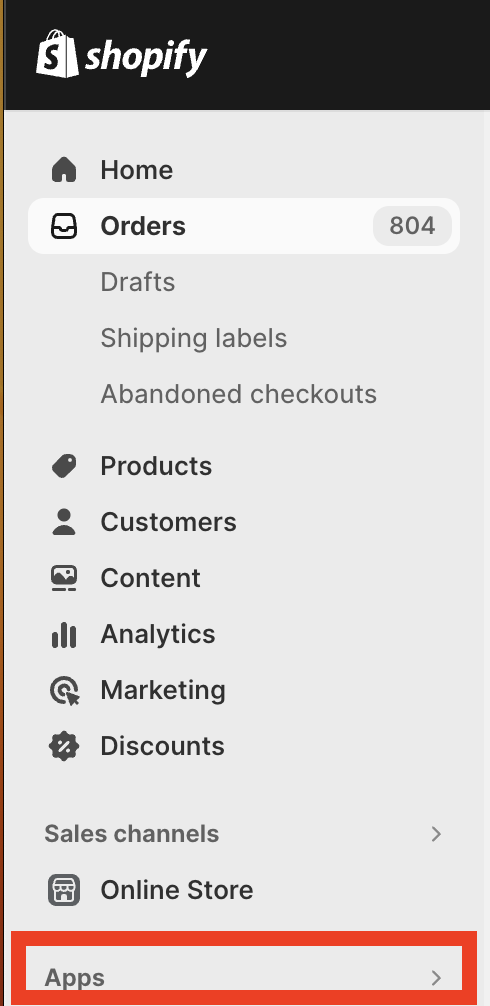
1. Go to Apps in Shopify
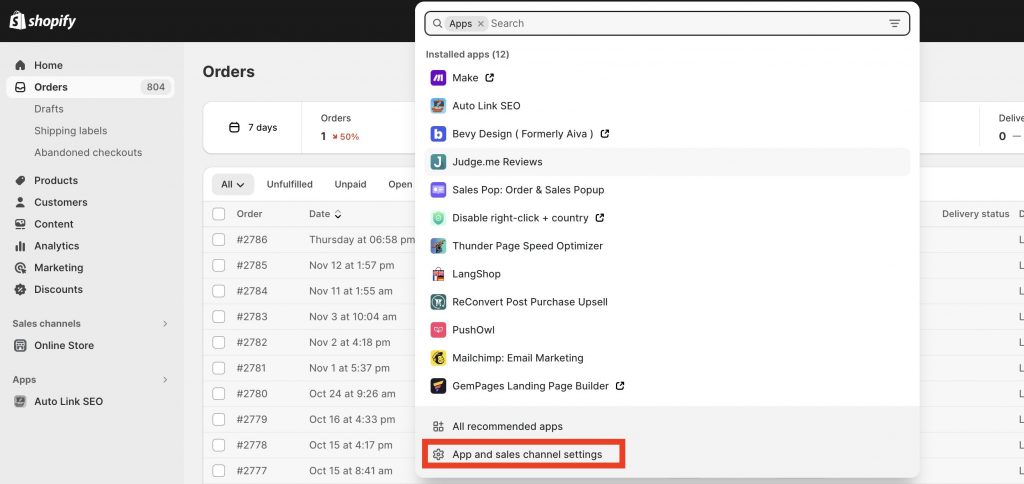
2. Click on “App and sales channel settings “
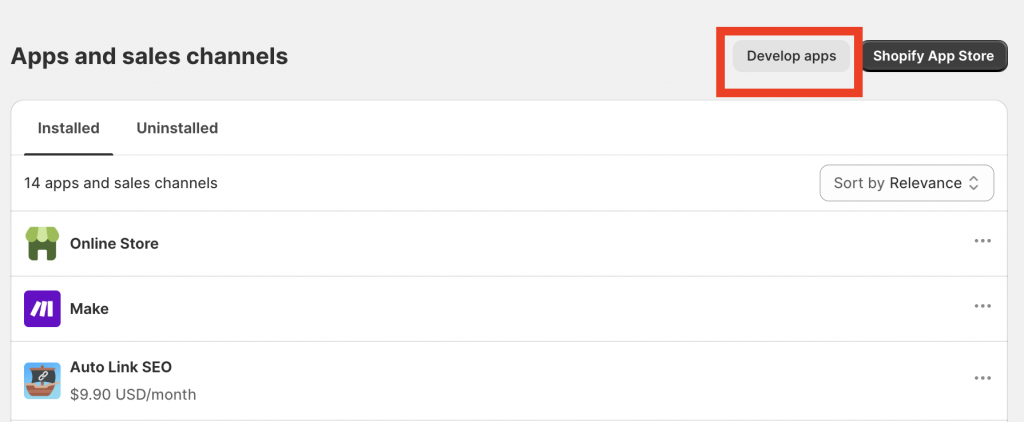
3. Click On Develop Apps
4. Click on Create An App
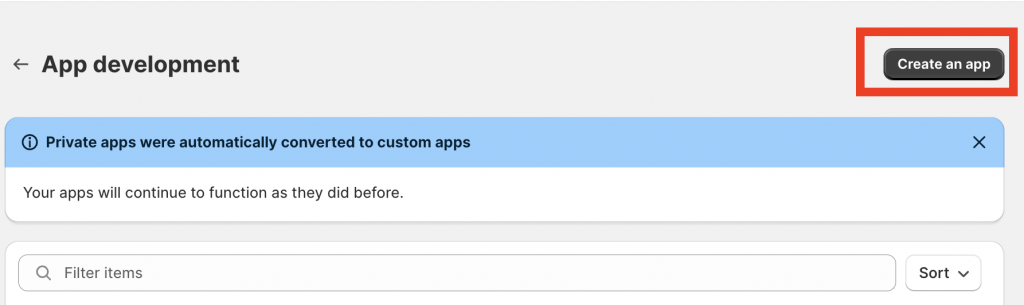
5. Name it CoCo and click on “create App”

6. Click on Configure Admin API Scopes
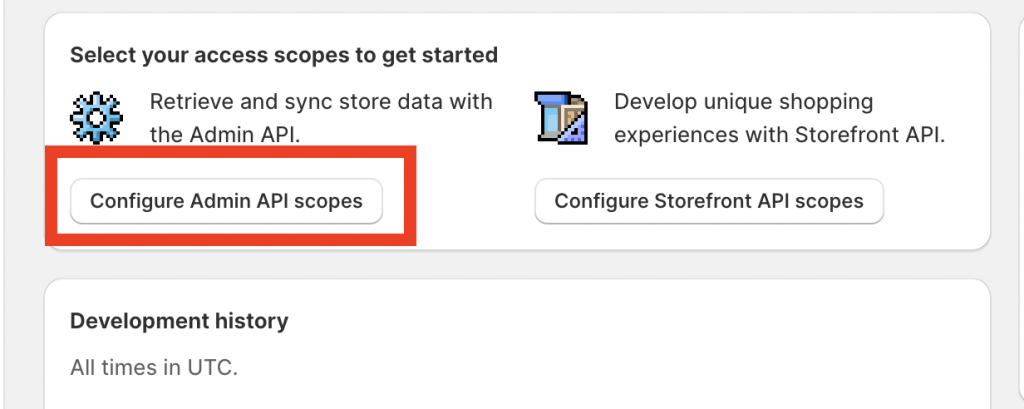
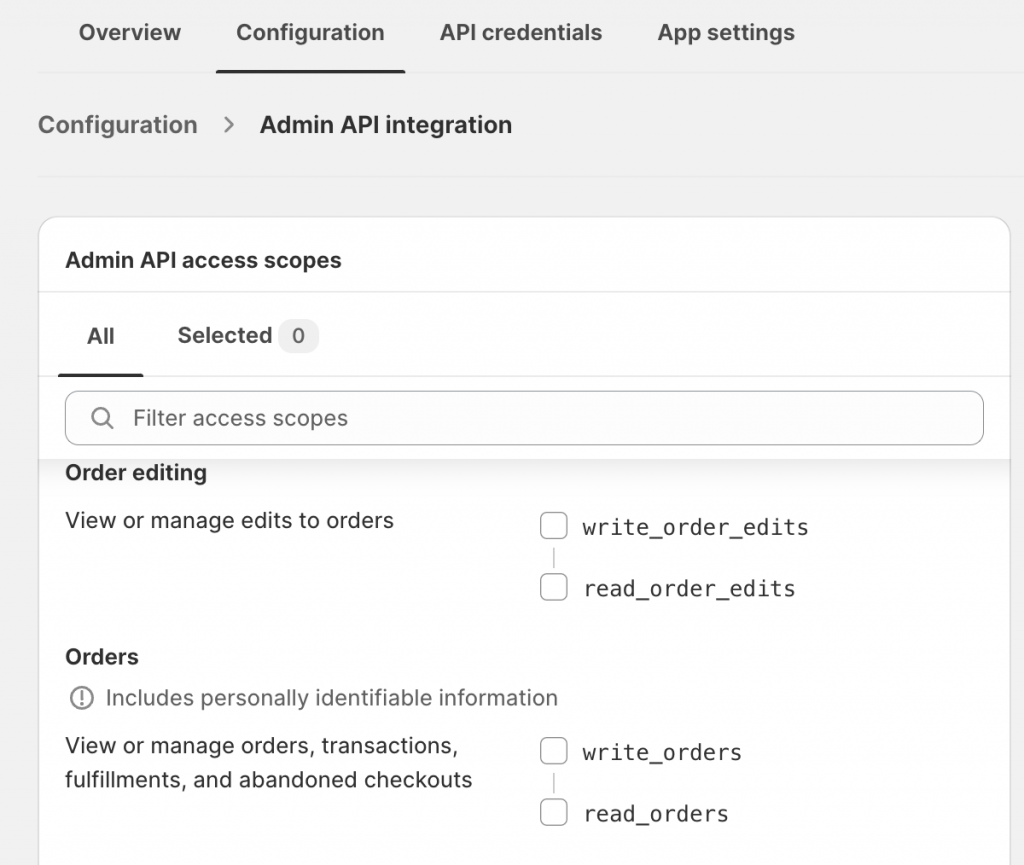
7. Check the correct accesses
Here is the list of the correct accesses to check :
- “read_products”,
- “write_products”,
- “read_product_listings”,
- “read_customers”,
- “write_customers”,
- “read_orders”,
- “write_orders”,
Then click “save”
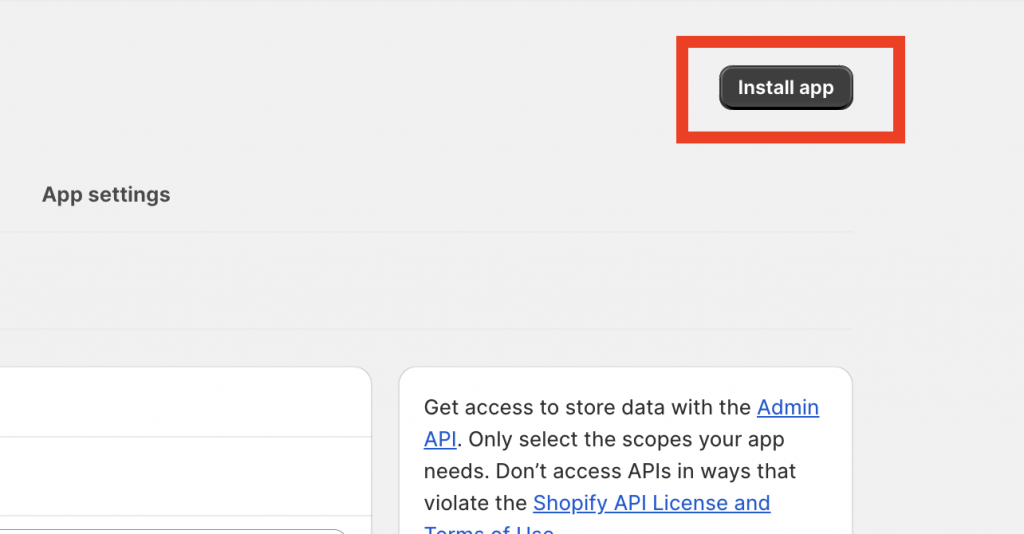
8. Install the App
9. Copy and Past the API Key
Copy and past the Admin API access token and the secret API key from Shopify to CoCo